


Turn Business Logos Into Professional Barudan Embroidery Files
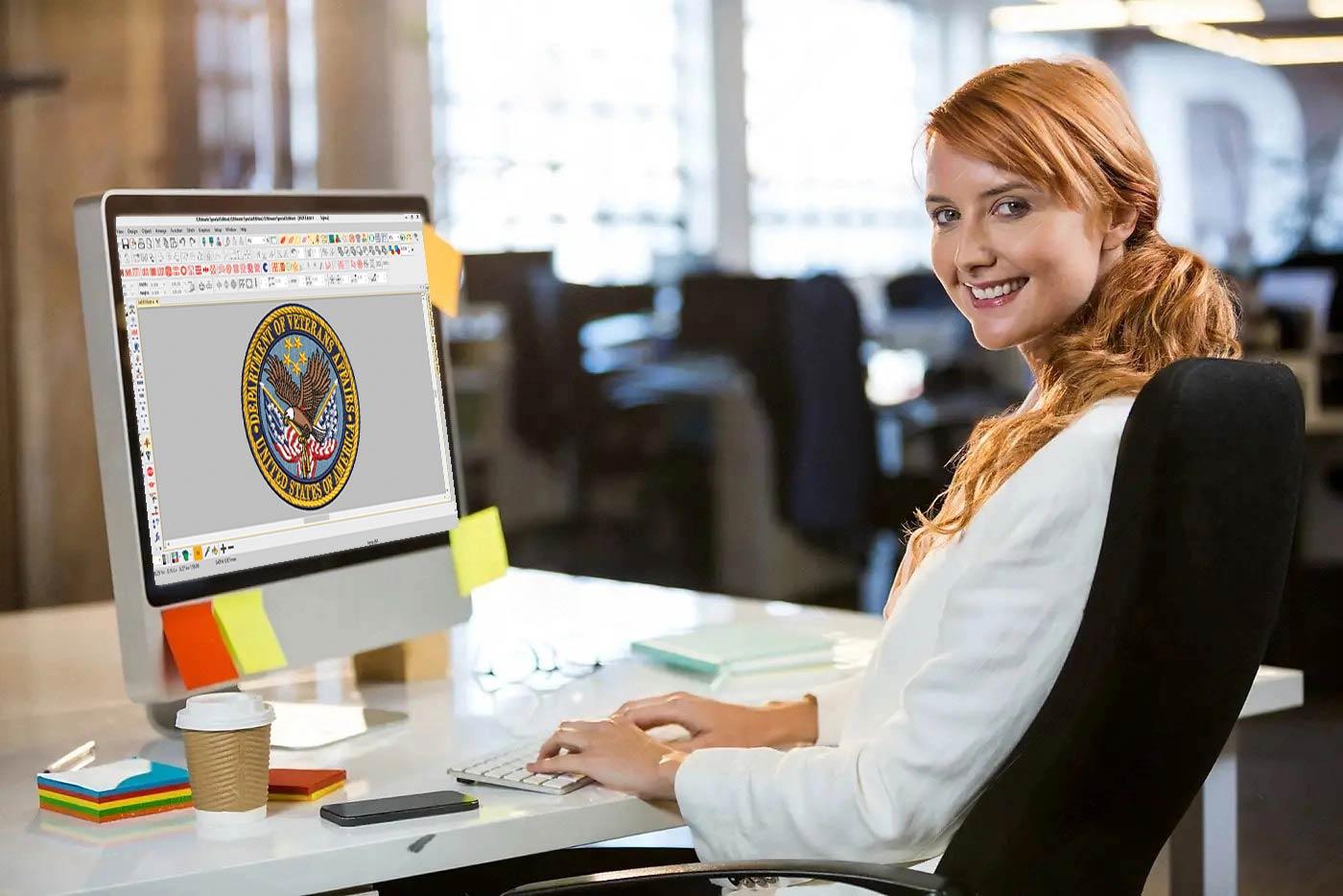
So you have a business logo that looks sharp on a website, a business card, or the side of a coffee cup. Now you want that same logo stitched onto polo shirts, hats, jackets, or uniforms. That means you need to convert it into a format a Barudan embroidery machine can actually read and stitch. Sounds simple, right? It is not always as easy as dragging and dropping a PNG into a folder. There is a real craft behind turning flat artwork into a stitched design, and Barudan machines have their own quirks and strengths. Before you dive in, you need to Prepare Business Logos for Barudan Machine Embroidery by understanding how digitizing works, what file types matter, and why a logo that looks great on paper can look terrible in thread if you skip the details.
Why Barudan Machines Deserve Special Attention
Barudan has been a big name in commercial embroidery for decades. These machines are workhorses. They handle high stitch counts, multiple heads, and fine detail with impressive consistency. That said, they do not magically interpret a JPEG and turn it into a masterpiece. They rely on embroidery files that contain precise instructions for every stitch, color change, and trim.
Barudan machines commonly run formats like .BAR, .DST, .DSB, and .U?? files depending on the model and software. The .BAR format is native to Barudan and often gives you the most control. Many shops also use .DST because it is widely compatible, but .DST does not store everything the way .BAR does. If you want professional results, you should aim for a properly digitized .BAR file whenever possible.
The Real Difference Between Artwork and Embroidery
Here is where a lot of people get tripped up. A logo designed for print is built from pixels or smooth vector curves. Embroidery is built from thread. Thread has thickness. It has direction. It pushes fabric around. Tiny text that reads perfectly on a screen can become an unreadable blob when stitched at a quarter inch tall.
Digitizing is the process of translating artwork into stitches. A good digitizer does not just trace the logo. They think about stitch types, underlay, pull compensation, density, and the fabric the logo will land on. A logo stitched on a structured cap behaves differently than the same logo stitched on a stretchy performance polo. Barudan machines can handle both, but the file has to be built for the job.
Start With Clean Artwork
You cannot digitize garbage and expect gold. Before anything else, get the cleanest version of the logo you can find. Vector files like .AI, .EPS, or .SVG are ideal because they scale without losing shape. If all you have is a low-resolution PNG or a photo of a business card, a digitizer will have to redraw it, and that adds time and cost.
Make sure the logo is in its simplest form. Remove unnecessary gradients, drop shadows, and tiny details that will not survive in thread. Ask yourself what matters most. Is it the company name? The icon? The tagline? Sometimes you have to simplify or drop elements for small embroidered areas.
Choosing the Right Stitch Types
Barudan machines support a wide range of stitch types, and a professional file uses them wisely. Satin stitches work great for borders, letters, and bold shapes. Fill stitches cover larger areas efficiently. Run stitches are perfect for fine outlines and details. For logos with complex shading or a more textured look, a digitizer might use a combination of fills and satins to create depth.
Underlay is another secret weapon. It sits beneath the visible stitches and stabilizes the fabric. Without proper underlay, a logo can sink into the fabric, pucker, or shift. A skilled digitizer adjusts underlay based on whether the logo goes on a thick hoodie, a thin tee, or a structured cap.
Pull Compensation and Push Pull
Fabric and thread both move during stitching. Pull compensation is a digitizer's way of tricking the machine into making shapes the right size. If a circle is digitized exactly as a circle, it often stitches out slightly smaller because the thread pulls the fabric inward. A good digitizer slightly oversizes the shape to compensate.
Push pull is similar but relates to how satin stitches can push outward or inward depending on direction and density. Barudan machines are precise, but they cannot fix a file that ignores these realities. This is why cheap auto-digitizing tools often produce logos that look off. They do not understand pull compensation the way an experienced human does.
Color Sequencing and Thread Changes
A professional Barudan file flows smoothly. That means colors are sequenced in an order that minimizes thread changes and trims. If a logo has red, black, and white, the digitizer groups all the red elements, then black, then white, rather than bouncing back and forth. This saves time, reduces wear on the machine, and produces a cleaner stitch-out.
Thread color choices also matter. Barudan machines use thread charts that correspond to brands like Isacord, Madeira, or Robison-Anton. A good digitizer will match the logo colors to real thread numbers so the final product looks consistent from one run to the next.
Testing and Revisions
Never send a logo straight to production without a test stitch. Run a sample on the actual fabric you plan to use. Check the small text, the edges, the density, and the overall look. If something looks off, tweak the file. Maybe the letters need to be a bit larger. Maybe a fill is too dense and creates a stiff, plastic-like feel. Maybe a color needs to change for better contrast.
Barudan machines are forgiving in some ways and unforgiving in others. They reward well-built files with beautiful, durable embroidery. They punish lazy files with thread breaks, puckering, and wasted material.
Working With a Professional Digitizer
You can learn digitizing software, and many people do. But if you want professional Barudan embroidery files for your business logos, hiring an experienced digitizer is often the smartest move. Look for someone who specifically mentions Barudan experience and .BAR file output. Ask to see samples. A good digitizer will ask about fabric, size, and placement before quoting a price.
If you are doing this in-house, invest in quality software that supports Barudan formats natively. Learn the basics of stitch types, density, and underlay. Practice on scrap fabric. The learning curve is real, but it is worth it if embroidery is a core part of your business.
Conclusion
Turning business logos into professional Barudan embroidery files is part art and part technical skill. You need clean artwork, smart digitizing, the right stitch types, and a solid understanding of how thread behaves on fabric. Barudan machines are capable of stunning results, but they depend on well-crafted files to get there. Whether you hire a pro or learn the craft yourself, take the time to do it right. Your logo represents your business. Make sure every stitch does it justice.

 English
 French
 Deutsch
 Русский
 Greek
Greek