


How to Organize IPTV Channels, Favorites, and Categories for Easier Viewing
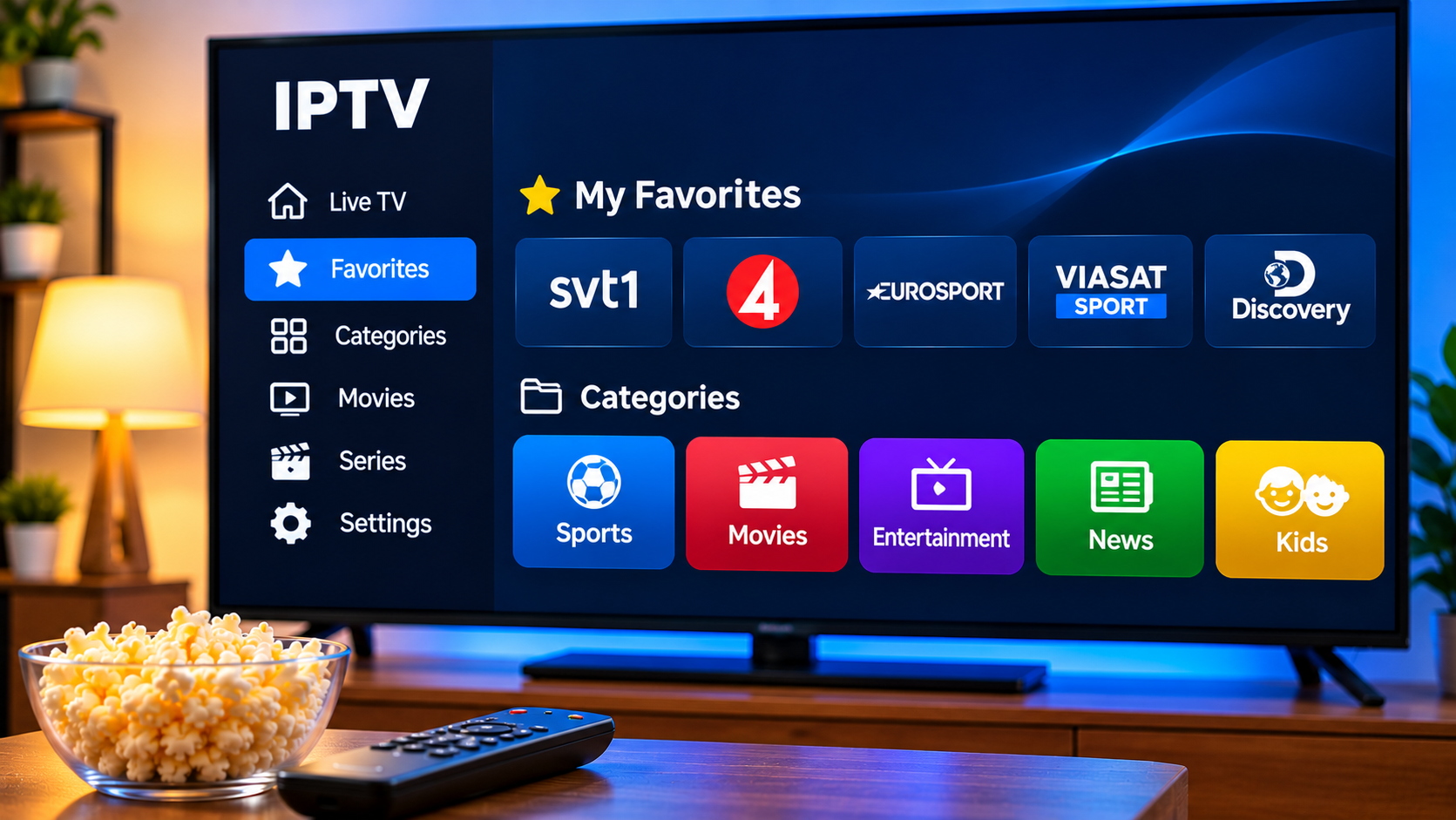
An IPTV service can provide access to a large number of live channels, movies, series, sports, and international programs. While variety is useful, a crowded channel list can quickly become difficult to navigate.
Instead of scrolling through dozens of categories every time the television is turned on, users can organize their IPTV player around the content they actually watch. Favorites, custom groups, search tools, and hidden categories can make everyday viewing faster and simpler.
The exact options depend on the IPTV player, but a few organizational habits can improve almost any setup.
Why IPTV Organization Matters
A large content library is only useful when viewers can find what they want.
Without organization, users may spend unnecessary time moving through categories they rarely open. This becomes especially frustrating when the same channels are watched every day.
A well-organized IPTV interface can help users:
-
Find favorite channels faster
-
Reduce unnecessary scrolling
-
Separate sports, news, and entertainment
-
Keep children's content easier to access
-
Hide unused categories
-
Simplify navigation for other family members
The goal is not to reduce available content. It is to make the content that matters most easier to reach.
Start With a Favorites List
Favorites are one of the most useful features available in many IPTV players.
Instead of searching the complete channel list, viewers can save frequently watched channels to a dedicated section.
A favorites list might include:
-
Local television
-
Sports channels
-
News stations
-
Movie channels
-
Entertainment networks
-
International channels
Keeping this list relatively small makes it more useful.
If every channel is added to favorites, the section eventually becomes as difficult to navigate as the original library.
Create Favorites Around Real Viewing Habits
Users should think about what they actually watch rather than what they might watch someday.
A practical favorites list can be built gradually.
For example, start by adding the channels used during a typical week. After a few days, remove anything that has not been useful and add channels that were repeatedly searched for.
This creates a list based on real viewing habits rather than guesswork.
Separate Content Into Categories
Many IPTV players automatically divide channels into groups.
Typical categories may include:
Sports
This section can contain sports networks and channels covering live events.
Movies
Movie channels can be grouped separately from live entertainment.
News
Keeping news channels together makes it easier to compare coverage from different sources.
Entertainment
General television, lifestyle programming, and entertainment networks can remain in their own section.
International Channels
Households that watch programming from several countries may benefit from organizing channels by region or language.
Clear categories reduce the amount of searching required during everyday use.
Hide Categories You Never Use
Some IPTV players allow categories to be hidden without permanently deleting anything.
This feature can significantly simplify the interface.
For example, a household may never use certain:
-
Language groups
-
Regional channels
-
Shopping networks
-
Music categories
-
Specialist programming
Hiding unused sections keeps the menu focused.
If preferences change later, the categories can usually be made visible again.
Use Search Instead of Endless Scrolling
Search is especially useful in large IPTV libraries.
Rather than browsing every category, users can enter part of a channel or program name and jump directly to relevant results.
Search works best when the IPTV player has:
-
Accurate channel names
-
Fast indexing
-
Clear results
-
Separate live and on-demand sections
For users who regularly search for the same content, adding the result to favorites afterward can save even more time.
Organize Sports Channels Before Major Events
Sports viewers often move between several channels during tournaments or busy weekends.
Creating a dedicated sports favorites group can make this easier.
Users may want quick access to channels associated with:
-
Football
-
Hockey
-
Motorsport
-
Tennis
-
Combat sports
-
International competitions
The available channels depend on the service and region, but organizing them before an event starts can reduce last-minute searching.
Use EPG Information With Favorites
An Electronic Program Guide can make organized channel lists even more useful.
Instead of opening each favorite channel individually, users can look at the EPG and see what is currently playing.
A useful favorites plus EPG setup allows viewers to:
-
Compare current programs
-
Check upcoming schedules
-
Move between preferred channels
-
Plan viewing ahead of time
This can make IPTV navigation feel closer to a traditional television guide while retaining the flexibility of app-based streaming.
Create a Simple Family Viewing Setup
Different members of a household may prefer different content.
One person may mainly watch sports, another may follow news, while children may need quick access to suitable entertainment.
If the IPTV player supports separate profiles or custom groups, these can help organize viewing preferences.
A family setup might include:
-
Main household favorites
-
Sports favorites
-
Children's channels
-
News channels
-
Movie channels
The exact structure should remain simple enough that everyone can use it.
Keep Children's Content Separate
If younger viewers use the IPTV setup, organizing suitable content into a dedicated section can make navigation easier.
This works especially well when combined with parental controls.
Parents can place approved channels in a favorites list while restricting access to categories they do not want children opening.
This creates a cleaner interface without requiring children to search through the full content library.
Organize On-Demand Content Too
IPTV organization is not limited to live television.
Many players also provide categories for movies and series.
Useful organization features may include:
-
Recently watched
-
Favorites
-
Watchlists
-
Genre filters
-
Search history
-
Continue watching
These features can make large on-demand libraries easier to use.
Instead of repeatedly searching for a series, users can save it to a watchlist or resume directly from the previous session.
Remove Duplicate or Unnecessary Entries
Some channel libraries may contain several versions of similar content.
For example, viewers may see different:
-
Resolutions
-
Regional feeds
-
Languages
-
Backup streams
If the player allows custom organization, users can focus on the versions that work best for their setup.
There is little benefit in keeping several nearly identical channels visible if only one is regularly used.
Match Channel Quality to Your Internet Connection
A higher-resolution stream is not always the best choice.
If several versions of a channel are available, users may find that one provides more consistent playback on their connection.
For example, stable HD playback can be preferable to a higher-resolution option that buffers frequently.
Users should evaluate:
-
Internet stability
-
Device performance
-
Screen size
-
Network congestion
The best channel choice is the one that provides reliable viewing in the actual home environment.
Keep Channel Groups Consistent Across Devices
Many households use IPTV on more than one screen.
The same service may be accessed through a Smart TV, streaming box, tablet, or smartphone.
If the player supports synchronized favorites, users can keep similar organization across devices.
If synchronization is not available, it can still help to create roughly the same favorites manually.
This makes switching between devices less confusing.
Review Your Favorites Occasionally
Viewing habits change.
A channel that was useful several months ago may no longer be watched, while new favorites may have appeared.
Reviewing the list occasionally keeps it useful.
Users can remove:
-
Channels they no longer watch
-
Duplicates
-
Old temporary favorites
-
Unused regional channels
A clean favorites list should make navigation faster, not become another oversized menu.
Consider Organization When Choosing an IPTV Player
The IPTV player has a major impact on how easily content can be managed.
Useful organizational features include:
-
Favorites
-
Custom categories
-
Hidden groups
-
Search
-
EPG integration
-
Watchlists
-
Profiles
-
Parental controls
People comparing Nordic-focused IPTV options can also review VIKING IPTV while considering the devices they use, available setup information, viewing preferences, and the features supported by their preferred IPTV player.
Keep the Player Updated
Application updates can improve navigation and fix organizational problems.
Users should keep IPTV players and streaming devices updated when official software updates are available.
Updates may improve:
-
Search performance
-
EPG loading
-
Favorites management
-
Playlist handling
-
Interface speed
After a major update, users should confirm that saved favorites and category settings remain configured correctly.
Final Thoughts
A large IPTV library does not have to feel complicated.
Favorites, categories, search tools, hidden groups, and EPG information can make everyday viewing significantly easier.
The most useful setup is usually the simplest one. Keep frequently watched channels close, hide sections that add unnecessary clutter, and organize content around real viewing habits.
With a few minutes of setup, users can spend less time searching through menus and more time watching the content they actually enjoy.

 Հայերեն
 French
 Deutsch
 Русский
 Greek