


How Audio Description Makes Television More Accessible for Viewers With Visual Impairments
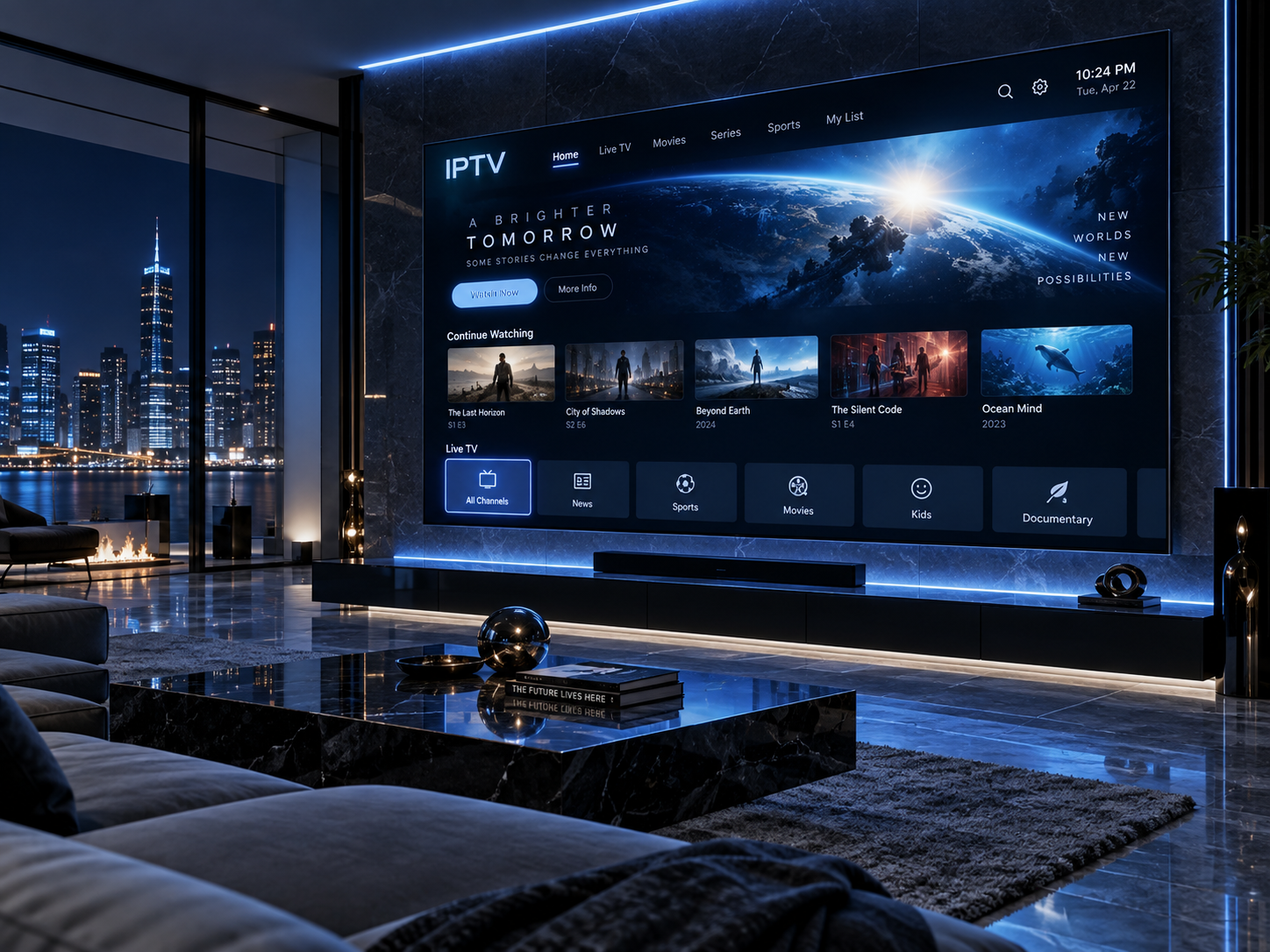
Television brings stories, news, sports, and cultural experiences into people's homes, but much of what happens on screen is communicated visually. Important details such as facial expressions, changes in location, gestures, on-screen text, and silent actions can be difficult to follow when they are not explained through dialogue. For viewers with visual impairments, these gaps can affect how easily they understand and enjoy a program.
Audio description helps address this challenge by adding spoken explanations of important visual information. When thoughtfully produced, it makes television more inclusive without replacing the original dialogue or sound effects. As broadcasters and streaming platforms continue to expand their accessibility features, understanding how audio description works can help viewers, families, and content providers make better choices.
What Is Audio Description?
Audio description is an accessibility feature that communicates key visual details through narration. A trained describer explains relevant actions, settings, character movements, facial expressions, and other information that viewers may not be able to see clearly.
For people exploring accessible media, audio description is an important example of how technology and thoughtful content design can make entertainment more inclusive. Rather than summarizing an entire program, the narration focuses on visual details that help explain what is happening at significant moments.
For example, in a drama, the description might explain that a character quietly places a letter on the table before leaving the room. In a nature documentary, it might identify an animal moving through tall grass or describe a change in the landscape. In a sports broadcast, it may help explain player movements or important visual events when those details are not already clear from the commentary.
Audio description is usually delivered during natural pauses in dialogue so that it does not interfere with the original soundtrack. Its purpose is to provide meaningful context while preserving the program's atmosphere and storytelling.
How Audio Description Works on Television
Audio description can be created and delivered in different ways, depending on the program, broadcaster, and playback platform.
Producing the narration
A describer reviews the program and identifies visual information that is important to understanding the story or event. The narration is then written to fit into suitable gaps between dialogue and other important sounds.
The process requires careful judgment. Too little description may leave viewers without essential context, while too much can make the soundtrack crowded or obscure meaningful audio. Good descriptions prioritize relevant details and use concise, objective language.
For scripted programs, the describer may have access to the finished production before it is broadcast. Live events present a greater challenge because the narrator must respond quickly to changing action without knowing exactly what will happen next.
Delivering the audio track
Once the description has been prepared, it can be included in an audio track or provided through a supported accessibility feature. Depending on the service, viewers may select an audio-description track through the television's audio menu, the streaming application's playback controls, or the set-top box settings.
Availability differs between programs and providers. Some content includes audio description by default as an optional track, while other programs may not offer it. A compatible device and correctly configured playback settings are also important.
Before starting a program, viewers can check its audio-language or accessibility menu for labels such as “Audio Description” or “Descriptive Audio.” If the option is missing, the content or device may not support it.
Why Audio Description Matters for Viewers With Visual Impairments
Audio description can improve access to many kinds of television programming. Its benefits extend beyond simply identifying objects on screen.
Understanding the story
In films and dramas, important information may be communicated through body language, silent reactions, changes in setting, or actions that occur between spoken lines. Describing these details helps viewers follow the sequence of events and understand relationships between characters.
For example, if a character looks toward an unopened door and hides a document, those actions may be important to the plot. Concise narration can explain what happened without revealing information that the program intends to keep hidden.
Enjoying visual entertainment
Many entertainment experiences depend on details that dialogue alone cannot communicate. Costumes, scenery, choreography, visual comedy, and changes in facial expression can all contribute to a program's meaning.
Audio description helps make these elements more accessible while allowing viewers to experience the original performances and soundtrack.
Following news and documentaries
News programs may use maps, graphics, captions, diagrams, or footage to explain events. Documentaries can rely on landscapes, scientific demonstrations, historical photographs, and visual comparisons.
When relevant information is not explained verbally, viewers may miss part of the intended message. Audio description can clarify important visual details, although it does not replace accessible spoken explanations of complex graphics, charts, or data.
Supporting shared viewing
Television is often a social activity. Families and friends may watch films together, discuss a sporting event, or follow a favorite series. Audio description can help viewers with visual impairments participate more independently in these shared experiences rather than relying on another person to explain every scene.
The experience will still vary by program and the quality of its description, but a well-produced track can reduce the need for constant assistance.
Audio Description Across Different Types of Programs
The most useful approach to audio description depends on the content being presented. A method that works well for a scripted drama may not suit a live sporting event or a fast-moving news broadcast.
Films and television series: Description may cover changes in location, character actions, visual expressions, and other details needed to follow the plot. The timing must preserve important dialogue and dramatic pauses.
Sports: Descriptive commentary can explain significant actions, player positions, changes in play, and other visual developments. Live sports can be especially challenging because events happen quickly and the available time for narration is limited.
Documentaries: Description may identify animals, environments, equipment, demonstrations, or historical images. It can help connect spoken explanations with what appears on screen.
Children's programming: Clear, age-appropriate language can help young viewers understand character actions, scene changes, and visual humor. The description should suit the program's pace and intended audience.
News and current affairs: Narration may explain relevant footage, locations, graphics, and on-screen activity. Essential information should be communicated clearly without introducing assumptions or unnecessary interpretation.
These examples demonstrate why audio description is not simply a generic voice-over. Effective narration requires an understanding of the content, its pace, and the information viewers need to follow it.
Choosing a Television or Streaming Service With Audio Description
For viewers who rely on audio description, accessibility features can be an important factor when choosing a television service. However, support can differ between providers, devices, and individual programs.
Before subscribing to a streaming platform or changing a television setup, consider the following factors.
Check program availability
A service may support audio description for some titles but not others. Look for accessibility labels on individual programs and confirm that the content you regularly watch includes the feature.
Availability may also vary by country because of distribution arrangements and content rights.
Confirm device compatibility
Some smart TVs and streaming devices provide accessibility controls through their operating systems, while others rely on features built into individual applications. Check whether your device can select and play the required audio track.
If a program offers audio description but the option does not appear, review the application's audio menu, device accessibility settings, and available software updates.
Look for straightforward controls
Accessible controls make a significant difference to everyday use. Clearly labelled audio settings, screen-reader compatibility, voice guidance, and simple remote navigation can help users find content and adjust playback more independently.
A service's accessibility is not determined by audio description alone. The entire process—from opening the application to selecting a program and changing its audio track—should be considered.
Ask about accessibility support
If information is unclear, contact the provider and ask which programs support audio description, which devices are compatible, and how to activate the feature. Clear support documentation can help prevent unnecessary frustration during setup.
The Difference Between Audio Description and Other Accessibility Features
Audio description is one part of a broader range of television accessibility tools. Understanding how these features differ helps viewers identify the support they need.
Subtitles and captions display spoken dialogue and, in some cases, relevant sounds as text. They are especially useful for viewers who are deaf or hard of hearing, but they do not necessarily explain visual actions.
Screen readers and voice guidance speak interface information such as menu options, settings, and application controls. These tools can help users navigate a television or streaming service, but they do not automatically describe the visual content of a film.
Audio description focuses on meaningful visual details within the program itself. It helps explain actions, settings, and events that may otherwise be difficult to follow through sound alone.
These features serve different purposes and can complement one another. A viewer may use voice guidance to find a program, audio description to follow its scenes, and other sound or display settings to make listening more comfortable.
Challenges and Opportunities for Better Audio Description
Despite its benefits, audio description is not equally available across all television content. Some programs lack a descriptive track, and the quality of narration can vary. Live events are particularly demanding because describers must react quickly while maintaining accuracy and avoiding interference with existing commentary.
Another challenge is balancing detail with timing. Narration must explain essential visual information without speaking over dialogue or important sound effects. Different viewers may also prefer different levels of detail, language styles, or descriptions of visual elements.
Streaming technology creates opportunities to improve access by making additional audio tracks easier to distribute and select. Clearer accessibility labels, better device compatibility, and more consistent production practices can also help viewers identify suitable content.
Content providers can contribute by including accessibility in production planning rather than treating it as an afterthought. Testing with people who have visual impairments can reveal problems that may not be apparent to producers who rely primarily on visual interfaces.
Practical Tips for Viewers and Families
Viewers who want to use audio description can begin with a few simple steps:
-
Look for audio-description information in a program's accessibility details.
-
Check the playback menu before or during viewing.
-
Review the television's accessibility settings if the descriptive track is not available.
-
Keep streaming applications and device software updated.
-
Contact the provider if the advertised feature cannot be activated.
-
Share feedback when descriptions are inaccurate, difficult to hear, or poorly timed.
Families and friends can also help by learning how to activate the feature and allowing viewers to control their own playback settings whenever possible. Asking which level of assistance is preferred can support independence without making assumptions about individual needs.
Conclusion
Audio description helps make television more accessible by translating important visual information into concise spoken narration. It can support viewers with visual impairments as they follow storylines, enjoy visual performances, understand documentaries, and participate in shared entertainment.
Its effectiveness depends on thoughtful narration, appropriate timing, content availability, and compatible playback technology. While challenges remain, better accessibility controls and more consistent descriptive tracks can make connected television easier to use.
By checking program features, learning how to activate audio description, and choosing services that take accessibility seriously, viewers can make more informed decisions about their television experience. Inclusive entertainment benefits not only individuals who rely on these tools but also the broader goal of making digital media easier for more people to enjoy.

 Հայերեն
 French
 Deutsch
 Русский
 Greek
Greek