


Technical SEO Checklist: 10 Essential Fixes for Better Rankings
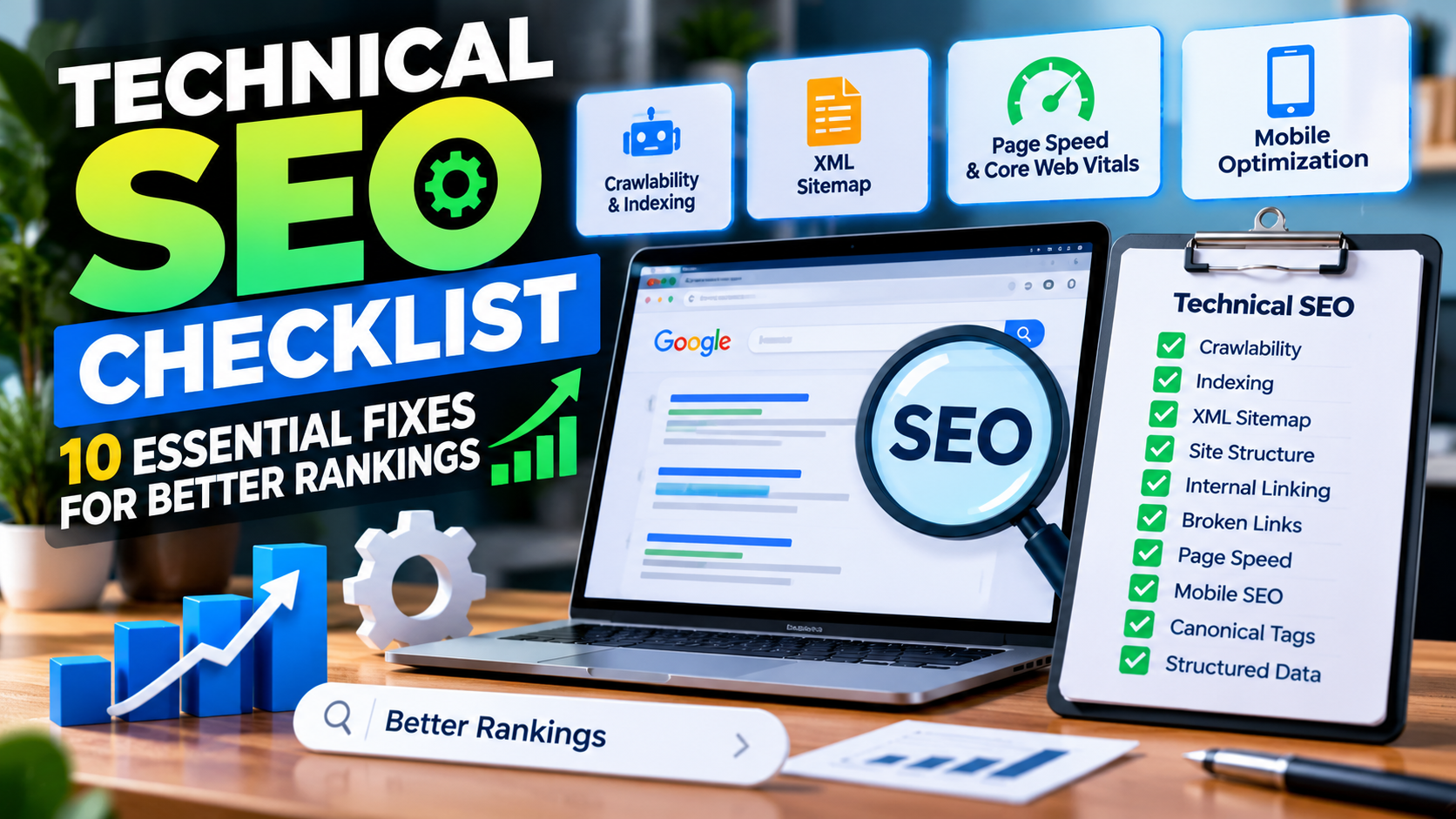
Search engine optimization is not only about keywords, backlinks, and content. A website can have excellent articles and still struggle to rank if search engines cannot properly crawl, understand, or index its pages. This is where technical SEO becomes important. It focuses on the behind-the-scenes elements that help search engines access your website and provide a better experience for visitors.
For website owners and marketers, following a reliable Technical SEO Guide can make it easier to identify technical problems and improve overall website performance. You can also explore Haylikefor additional online resources and useful information. A well-optimized technical foundation allows your content to perform better and gives search engines clearer signals about your website.
1. Check Website Crawlability
Search engines need to crawl your website before they can understand its pages. If important pages are blocked from crawlers, they may not appear in search results.
Start by checking your robots.txtfile. Make sure it does not accidentally block important sections of your website. You should also review your website structure and internal links to ensure search engine crawlers can easily discover important pages.
Avoid blocking pages that you actually want Google and other search engines to index.
2. Create and Maintain an XML Sitemap
An XML sitemap provides search engines with a list of important URLs on your website. It can make it easier for crawlers to discover new or updated content.
Your sitemap should contain:
- Important indexable pages
- Correct canonical URLs
- Updated content URLs
- Valid HTTPS URLs
Remove unnecessary URLs such as duplicate, redirected, or non-indexable pages. After creating your sitemap, submit it through Google Search Console and monitor it for errors.
3. Fix Indexing Problems
Crawling and indexing are different processes. A search engine may successfully crawl a page but still decide not to index it.
Check Google Search Console for indexing issues such as:
- Pages blocked by
noindex - Duplicate pages
- Crawled but currently not indexed pages
- Redirect errors
- Server errors
- Canonicalization problems
Review important pages individually and make sure they are accessible, useful, and eligible for indexing.
4. Improve Your Website Structure
A clear website structure helps both visitors and search engines understand how your content is organized.
Ideally, important pages should not be buried several levels deep. Organize your website into logical categories and connect related pages through internal links.
For example, an SEO website might have categories such as:
SEO → Technical SEO → Technical SEO Audits → Specific SEO Issues
This type of structure creates a clear relationship between related content and makes navigation easier.
5. Optimize Internal Linking
Internal links are an important part of technical SEO because they help users and search engines discover related pages.
When adding internal links:
- Link from high-authority pages to important pages
- Use descriptive anchor text
- Connect related topics
- Avoid excessive links
- Check for broken internal links
A strong internal linking system can also help distribute link equity throughout your website and make important pages easier to discover.
6. Fix Broken Links and Redirects
Broken links create poor user experiences and can make website maintenance more difficult. Regularly check your website for broken internal and external links.
When a page has permanently moved, use a relevant 301 redirect instead of sending users to an error page.
However, avoid creating unnecessary redirect chains. Ideally, the old URL should redirect directly to the most relevant current URL.
You should also monitor 404 errors in Google Search Console and determine whether important URLs need to be restored or redirected.
7. Improve Page Speed and Core Web Vitals
Website performance has become an important part of providing a good user experience. Slow pages can frustrate visitors and may negatively affect engagement.
Focus on areas such as:
- Image compression
- WebP or modern image formats
- Browser caching
- Reducing unnecessary JavaScript
- Removing unused CSS
- Improving server response time
- Lazy-loading suitable images
Core Web Vitals can also help you understand how users experience loading performance, responsiveness, and visual stability.
8. Make Your Website Mobile-Friendly
A large portion of web traffic comes from mobile devices, so your website should work properly across different screen sizes.
Check your website on smartphones and tablets to make sure:
- The text is easy to read
- Buttons are easy to tap
- Navigation works correctly
- Images fit the screen
- Content does not overflow horizontally
- Forms are usable
A responsive design helps provide a consistent experience across desktop and mobile devices.
9. Use Canonical Tags Correctly
Duplicate or very similar pages can sometimes create confusion about which URL should be considered the primary version.
Canonical tags can help communicate your preferred URL to search engines.
For example, if multiple URLs display substantially similar content, a canonical tag can point search engines toward the preferred version.
However, canonical tags should not be treated as a solution for every duplicate-content situation. They need to be implemented consistently and should normally point to accessible, indexable URLs.
10. Add Structured Data Where Appropriate
Structured data provides search engines with additional information about the content of a page. Depending on the website and content type, this can include information about articles, products, organizations, events, breadcrumbs, and other supported entities.
Use structured data only when it accurately represents the visible content on the page. Incorrect or misleading markup can create problems rather than benefits.
After implementation, validate your structured data using appropriate testing and monitoring tools.
Why a Technical SEO Checklist Matters
Technical SEO is not a one-time task. Websites continuously change as new pages are published, plugins are installed, designs are updated, and URLs are modified.
A website that was technically healthy six months ago may develop new problems after several updates. Regular technical audits can help identify issues before they have a significant impact on organic search performance.
A practical audit should review crawling, indexing, site architecture, internal linking, redirects, page speed, mobile usability, canonical tags, structured data, and overall website accessibility.
Final Thoughts
A strong technical foundation gives your website a better opportunity to be discovered, crawled, understood, and indexed by search engines. From fixing crawlability issues to improving page speed and internal linking, each technical improvement contributes to a healthier website.
The goal is not simply to fix every technical issue possible. Instead, prioritize problems that affect important pages, user experience, crawlability, and search visibility. By regularly following a technical SEO checklist and monitoring your website, you can maintain a cleaner, faster, and more search-friendly website over time.

 Հայերեն
 English
 French
 Русский
 Greek
Greek