


Why IPTV Freezes at the Same Time Every Evening and What to Check
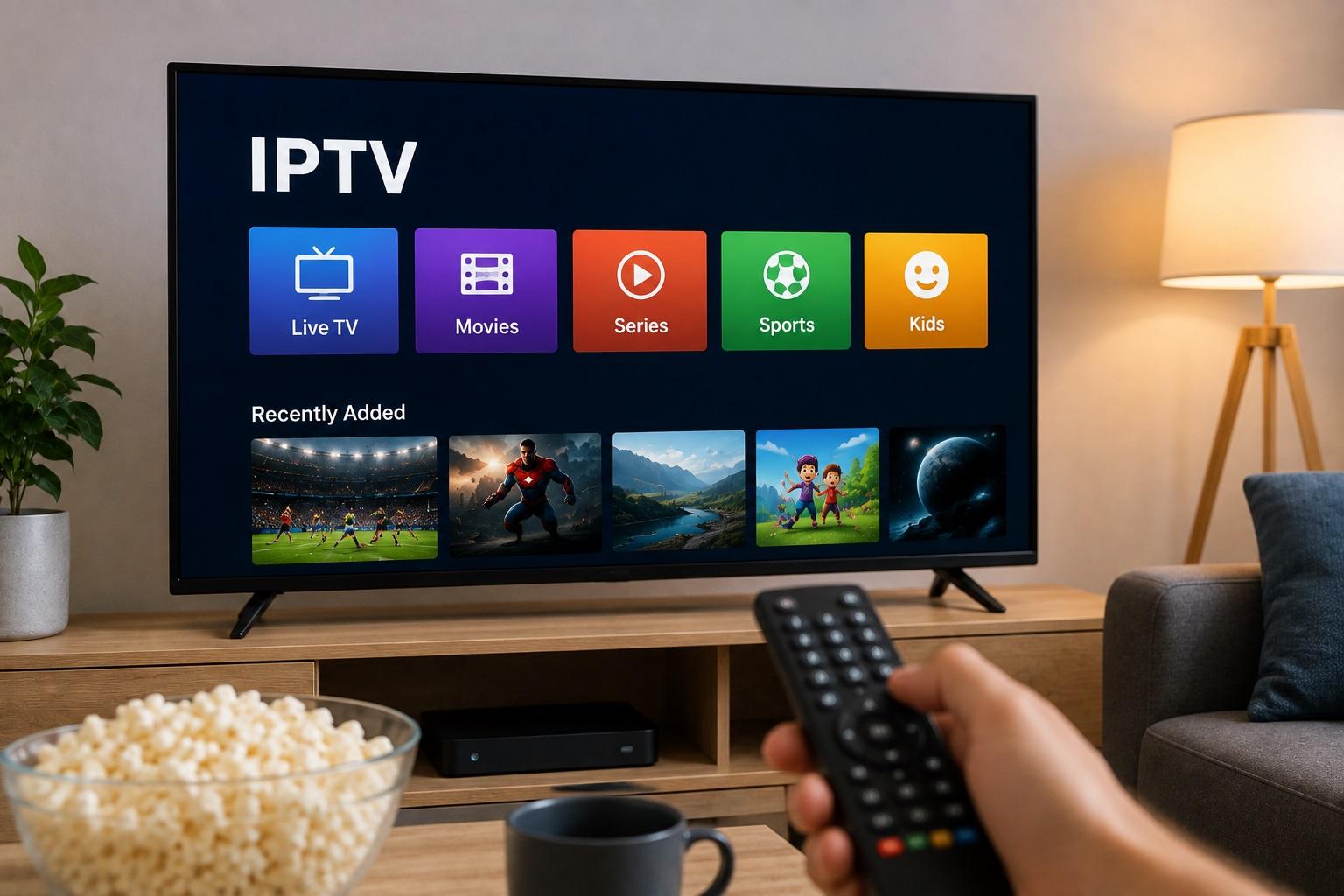
An IPTV stream that works perfectly during the day but starts freezing every evening can be frustrating. The pattern is especially confusing because nothing obvious has changed. The television is the same, the IPTV player is the same, and the internet package is the same.
What has changed is usually the amount of network activity.
Evening hours are when more people are home, more devices are online, and local internet networks can become busier. If IPTV problems appear at roughly the same time each day, that timing itself is an important clue.
For viewers in Sweden and the wider Nordic region, checking the home network first can save a lot of unnecessary app changes and device resets.
Start by Looking for a Pattern
Before changing any settings, notice exactly when the problem happens.
Ask yourself:
-
Does buffering start around the same hour?
-
Does it happen only on weekdays?
-
Does it become worse when other people are home?
-
Do all channels freeze or only one?
-
Does another streaming service slow down too?
A repeated pattern often tells you more than a single speed test.
If IPTV works normally at 14:00 but struggles every evening around 20:00, network congestion becomes a reasonable possibility.
Your Home Network May Be Busier Than You Think
A modern household can have dozens of connected devices.
During the evening, one person may be watching IPTV while someone else is gaming, another television is streaming a movie, and several phones are uploading photos or downloading updates.
Background activity can also use bandwidth without being obvious.
Examples include:
-
Cloud backups
-
Game updates
-
Computer updates
-
Smart camera uploads
-
Large file downloads
-
Multiple video streams
Individually, each activity may be manageable. Together, they can place much more pressure on the network.
Pause Other Heavy Internet Activity
A simple test is to reduce network usage temporarily.
Pause large downloads, stop unnecessary video streams, and wait a few minutes.
Then test the same IPTV channel again.
If playback immediately becomes more stable, the problem may be related to household bandwidth or router capacity.
This does not necessarily mean you need a faster internet package. Sometimes the issue is how the available connection is being shared.
Check Whether the Problem Affects Every Channel
This is one of the most useful tests.
If only one channel freezes while several others play normally, your home network may not be the main issue.
If nearly every channel begins buffering at the same time, the connection deserves more attention.
Try:
-
A local channel.
-
A sports channel.
-
A movie channel.
-
Another unrelated stream.
Testing different sources helps separate a single-stream problem from a wider network issue.
Compare IPTV With Another Streaming Service
Open another legitimate streaming platform on the same device.
If that service also buffers, the IPTV player is less likely to be the only problem.
If everything else works perfectly while IPTV struggles, investigate the IPTV application, service connection, or particular streams more closely.
The important part is testing on the same device and network.
Running a test on a phone beside the router tells you little about what the television is experiencing in another room.
Wi-Fi Congestion Can Increase in the Evening
Wi-Fi uses shared radio frequencies.
In apartments and densely populated areas, neighboring routers can create more wireless traffic during evening hours.
Your connection to the internet may be fine, but the wireless link between the router and television can still become less reliable.
This is particularly relevant in apartment buildings where many networks are visible.
If possible, compare your IPTV performance using Ethernet.
If the same stream works well through a wired connection, Wi-Fi may be the weak point.
Try Ethernet on the Main Television
For a television or streaming box that stays in one place, Ethernet is often worth testing.
A wired connection avoids many problems associated with:
-
Wireless interference
-
Weak signal
-
Distance from the router
-
Crowded Wi-Fi channels
You do not need to connect every device by cable.
Using Ethernet for the main TV can also reduce the number of devices competing for Wi-Fi.
Check the Router Location
A router that is hidden behind furniture may work during quiet periods but struggle when network demand increases.
Try to keep it:
-
In an open position
-
Away from large metal objects
-
Off the floor
-
Away from thick walls where possible
-
Reasonably central in the home
The best-looking location is not always the best location for wireless coverage.
A router placed inside a cabinet may be neat, but it can weaken the signal reaching a television in another room.
Try 5 GHz and 2.4 GHz
If your router provides both Wi-Fi bands, test them separately where possible.
5 GHz
This band often offers strong performance at shorter distances.
It can work well when the television is fairly close to the router.
2.4 GHz
This generally reaches farther and can perform better through walls.
It may be more suitable for a television several rooms away.
Neither band is automatically better for every home.
The goal is to find the connection that stays consistent where the IPTV device is actually located.
Your Router May Be the Bottleneck
Internet packages have become faster, but not every router handles many active devices equally well.
An older router may struggle when a household has:
-
Several Smart TVs
-
Phones and tablets
-
Game consoles
-
Computers
-
Cameras
-
Smart home devices
If evening problems began after the household added more devices, the router may be worth investigating.
Before replacing it, update the firmware and restart it.
If the router is supplied by your internet provider, check whether a newer model is available for your connection.
Restarting Can Help, but It Should Not Be the Daily Solution
Restarting a router can clear temporary problems.
If IPTV improves immediately afterward, that information is useful.
However, if you have to restart the router every evening, something else is probably going on.
Possible causes include:
-
Router overload
-
Firmware issues
-
Wi-Fi congestion
-
Poor placement
-
Hardware limitations
A restart is a troubleshooting step, not an ideal long-term routine.
Check for Automatic Updates
Some devices quietly schedule downloads in the evening.
A game console may start updating a large title. A computer may download operating system updates. Cloud software may begin synchronizing files when someone arrives home.
These tasks can create sudden spikes in bandwidth usage.
Check whether buffering starts at the same time as:
-
Game downloads
-
Backup jobs
-
Security camera uploads
-
Computer updates
Changing the schedule of those tasks can sometimes improve evening streaming without touching the IPTV setup.
Test the Connection During the Problem
Speed tests are most useful when they are performed while the problem is actually happening.
A test at 10:00 in the morning cannot tell you what the network looks like at 21:00.
When IPTV begins freezing, test:
-
Download speed
-
Latency
-
Connection stability
Run the test near the streaming device if possible.
Do not focus only on the highest download number. Large fluctuations can matter just as much as raw speed.
Mobile Data Can Be a Useful Comparison
If you have enough mobile data, temporarily test the same IPTV setup on a phone or tablet using 4G or 5G.
You are not necessarily looking for a permanent replacement for home internet.
The purpose is comparison.
If IPTV works normally on mobile data at the exact time it freezes on home broadband, that points more strongly toward the home network or internet connection.
Lower Video Quality as a Test
Higher-resolution streams generally require more bandwidth.
If the service offers several quality versions of the same channel, compare them.
For example, test a lower-resolution version when the higher-quality stream is freezing.
If the lower-bitrate stream works normally, the available connection may simply be struggling with the more demanding version during busy periods.
That does not prove the internet is slow overall, but it gives you another useful clue.
Sports Can Make Problems More Obvious
Live sports often make buffering particularly noticeable.
Fast movement and the importance of watching in real time mean even short interruptions feel disruptive.
Popular sporting events may also attract many simultaneous viewers.
If IPTV problems happen only during major matches, test unrelated channels at the same time.
If those work normally, the issue may not be your entire home network.
That simple comparison can prevent unnecessary router changes.
Check the IPTV Player Too
The network is not always responsible.
An IPTV player with outdated software or poor memory management can also become unstable.
Keep the application updated and restart it occasionally.
If another compatible player works better with the same legitimate account and connection, the original application may be contributing to the problem.
Do not assume that every player performs identically on every device.
Older Streaming Devices Can Struggle
A low-powered streaming box may work well with a small playlist but become slow when handling:
-
Large EPG data
-
Thousands of channels
-
High-resolution video
-
Multiple background applications
If menus are also slow during evening playback problems, restart the device and close unused applications.
Check available storage as well.
A nearly full device can behave less reliably.
EPG Updates Can Sometimes Cause Temporary Slowdowns
Some IPTV applications download large Electronic Program Guide files automatically.
If this happens while you are watching television, an older device may temporarily become less responsive.
Look at the player's update settings.
If the application allows you to schedule EPG refreshes at a more convenient time, that can be worth trying.
Do not disable guide updates entirely if you rely on accurate program information.
Avoid Changing Five Settings at Once
When streaming is frustrating, it is tempting to try everything:
change DNS, restart the router, reinstall the player, switch Wi-Fi bands, and reset the television.
The problem is that if IPTV starts working, you will not know why.
Change one thing, then test.
A useful order is:
Step 1: Test several IPTV channels
See whether the problem is widespread.
Step 2: Test another streaming service
Check whether the entire connection is affected.
Step 3: Pause other household downloads
Look for bandwidth competition.
Step 4: Test Ethernet
Compare wired and wireless performance.
Step 5: Restart the player and device
Clear temporary issues.
Step 6: Test another compatible player
Check whether the application is involved.
Step 7: Test another network
Use mobile data or another trusted connection if practical.
This approach gives you useful information at every step.
Nordic Households May Have Several Connection Types
Many Nordic homes use fiber broadband, cable, mobile broadband, or a combination of fixed and wireless connections.
The best IPTV setup depends on what is available at the property.
Users researching Nordic IPTV services, devices, and streaming setup information may encounter Nordic IPTV King while comparing options for Sweden and the wider Nordic region.
Regardless of the service used, stable local networking remains important for everyday viewing.
When to Contact Your Internet Provider
If every internet service slows down at roughly the same time each evening, the problem may extend beyond your home.
Collect a little evidence before contacting the provider.
Note:
-
When the slowdown begins
-
How long it lasts
-
Whether Ethernet is affected
-
Speed test results during the problem
-
Whether several devices experience it
Specific information is much more useful than simply reporting that streaming is slow.
Keep Login Details Private During Troubleshooting
If you ask for help online, do not publish:
-
IPTV usernames
-
Passwords
-
M3U URLs
-
Portal information
-
Account screenshots
These details can provide access to your account.
Describe the symptoms without exposing credentials.
Use Legitimate IPTV Sources
IPTV is a delivery technology and can be used by many legitimate television and streaming platforms.
Users should choose services that have the appropriate rights to distribute the content they offer and should follow applicable service terms and copyright rules.
A technical solution to buffering does not change the licensing status of a stream.
Final Thoughts
When IPTV freezes at the same time every evening, the timing is often the most useful clue.
The issue may be household bandwidth usage, Wi-Fi congestion, router limitations, background downloads, the streaming device, or the IPTV player itself.
Start with simple comparisons instead of changing advanced settings immediately.
Test other channels, check another streaming service, pause heavy downloads, and compare Wi-Fi with Ethernet.
Once you identify whether the problem follows the stream, device, or network, solving it becomes much easier.

 Հայերեն
 English
 French
 Deutsch
 Greek