


IPTV on Apple TV in Sweden: Apps, Setup, and Streaming Tips
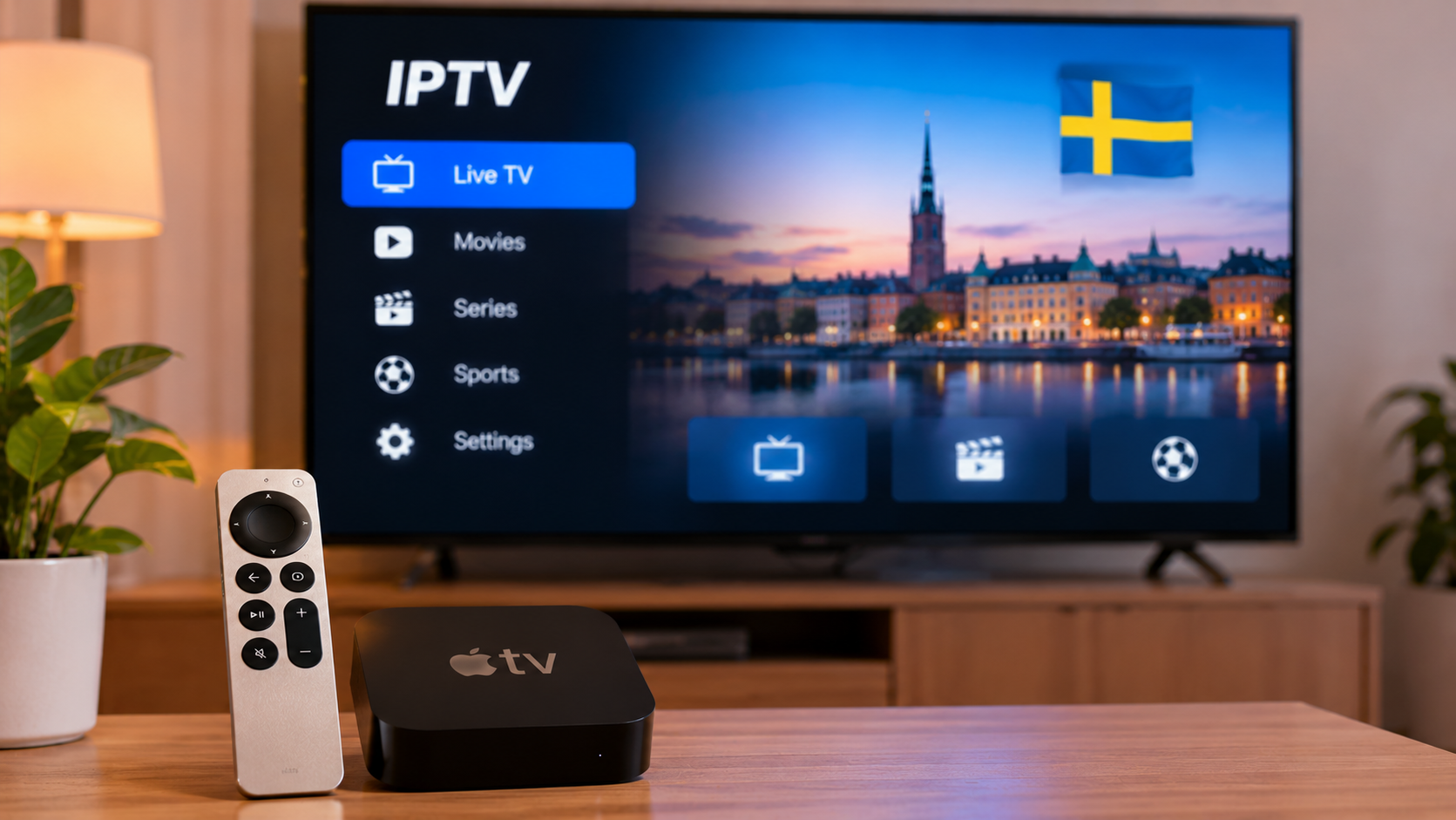
Apple TV can be a practical option for viewers who want to watch internet-based television on a larger screen. Its compact design, familiar interface, and access to streaming applications make it useful for households that already use Apple devices.
For IPTV users in Sweden, however, setting up Apple TV involves more than simply connecting the box to a television. The IPTV player, account format, internet connection, application compatibility, and network setup all affect the experience.
This guide explains what Swedish viewers should consider when using IPTV on Apple TV.
How IPTV Works on Apple TV
IPTV delivers television content through an internet connection rather than a traditional cable or satellite signal.
On Apple TV, users normally install a compatible IPTV player from the App Store and then configure it using login information supplied by their service.
Depending on the player, supported connection methods may include:
-
M3U playlists
-
Xtream-style login details
-
Portal-based connections
-
Other supported playlist formats
The IPTV player itself does not necessarily provide television content. It acts as the application used to organize and display the subscription.
Check App Compatibility First
Before choosing an IPTV setup, confirm that the preferred application is available for Apple TV.
An IPTV player that works on an iPhone does not always have a separate Apple TV version.
Similarly, features can differ between the mobile and television editions of the same app.
Useful features to look for include:
-
Live TV categories
-
Electronic Program Guide support
-
Favorites
-
Search
-
Movie and series sections
-
Subtitle selection
-
Multiple audio tracks
-
Parental controls
-
Playlist refresh options
Choosing an application according to actual viewing habits is usually more useful than selecting one simply because it has many settings.
M3U Playlists on Apple TV
Some IPTV players support M3U playlist URLs.
The user enters the playlist address provided by the IPTV service, after which the application loads available channels and categories.
Because an M3U URL may contain account information, it should be treated as private.
Avoid sharing complete playlist links publicly or posting screenshots that reveal credentials.
If typing a long URL with the Apple TV remote is inconvenient, some applications provide easier ways to enter information through another device.
Xtream Login on Apple TV
Other IPTV players support Xtream-style credentials.
This normally involves entering:
-
Server address
-
Username
-
Password
For many viewers, this can be simpler than manually entering a long M3U URL.
Once the details are accepted, the application may organize live channels, movies, series, and guide information automatically, depending on the service and player.
Why the IPTV Player Matters
Two IPTV players connected to the same service can provide very different experiences.
One may have a simple interface designed for live television, while another may focus on advanced playlist management.
Apple TV viewers should consider how comfortable the application feels when controlled with the Siri Remote.
Important questions include:
-
Can channels be changed quickly?
-
Is search easy to use?
-
Are categories clearly organized?
-
Can favorites be created?
-
Is the EPG easy to browse?
-
Are subtitles easy to select?
An attractive interface is helpful, but practical navigation matters more during everyday use.
Internet Quality Is Important
Apple TV depends on a stable network connection for IPTV playback.
Even when broadband speeds appear high, weak Wi-Fi or network congestion can still cause buffering.
Common symptoms of a poor connection include:
-
Slow channel loading
-
Video freezing
-
Reduced picture quality
-
Playback interruptions
-
Audio problems
When troubleshooting, users should check the entire home network rather than assuming the IPTV application is responsible.
Use Ethernet When Available
Some Apple TV models support Ethernet.
A wired connection can be useful when the device is located close enough to the router.
Ethernet reduces many problems associated with wireless networking, including:
-
Signal interference
-
Distance from the router
-
Thick walls
-
Competing Wi-Fi networks
Wi-Fi can still work well, but a wired connection may provide greater consistency for a fixed streaming device.
Improve Wi-Fi Before Changing Apps
If Apple TV is connected wirelessly, check the router position.
A router placed inside a cabinet, behind a television, or far from the viewing room may provide weaker coverage.
Try to keep the router in an open position where practical.
Before replacing the IPTV player, test other streaming applications on the Apple TV. If they also buffer, the problem may be related to the network rather than the IPTV setup.
Using IPTV With Other Apple Devices
One advantage of an Apple-based household is that users may already have an iPhone or iPad available.
Depending on the IPTV application, these devices can make account management, searching, or entering information easier.
Some users may also use AirPlay when supported.
However, native IPTV playback directly on Apple TV is generally more convenient than relying on screen mirroring for every viewing session.
IPTV and AirPlay
AirPlay allows compatible content to be sent from an iPhone, iPad, or Mac to Apple TV.
This can be useful when an IPTV application is available on the mobile device but not on Apple TV.
The experience depends on the application and stream format.
Not every IPTV player supports AirPlay equally well, and screen mirroring may provide different results from direct casting.
For regular viewing, a dedicated Apple TV application is often simpler when one is available.
Set Up Favorites
Large IPTV channel lists can become difficult to navigate.
Favorites help reduce unnecessary scrolling.
A useful favorites list might contain:
-
Swedish channels
-
News
-
Sports
-
Entertainment
-
Family channels
-
Frequently watched international channels
Keeping the list short makes it more practical.
Instead of adding everything, focus on the channels used most often.
Use the Electronic Program Guide
An Electronic Program Guide can improve live television navigation.
A good EPG may display:
-
Current programs
-
Upcoming programs
-
Start times
-
End times
-
Program descriptions
Rather than opening channels one by one, viewers can check what is currently playing from a single screen.
Swedish viewers researching IPTV subscriptions, supported devices, setup information, and streaming options can also review Rapid IPTV Sweden when comparing services intended for different household viewing needs.
Check Timezone Settings
If EPG times appear incorrect, check the Apple TV timezone.
Program schedules rely on correct time information.
An incorrect timezone can make shows appear earlier or later than expected.
Some IPTV applications also include separate EPG offset settings.
Before changing those manually, make sure the Apple TV's system time is already correct.
Subtitles on Apple TV
Subtitles can be important for Swedish viewers who watch international films and series.
Depending on the IPTV player and content source, users may be able to select:
-
Swedish subtitles
-
English subtitles
-
Other Nordic languages
-
Embedded subtitle tracks
Subtitle availability depends on the original stream.
If the desired language does not appear, the content may not contain that subtitle track.
Alternative Audio Tracks
Some IPTV streams contain multiple audio options.
These might include different languages or alternative commentary.
A compatible Apple TV player may allow users to switch audio tracks during playback.
This can be useful in multilingual households or when a sports broadcast includes more than one commentary option.
Parental Controls
Families using Apple TV should consider both IPTV application controls and Apple's own device settings.
Depending on the player, users may be able to:
-
Lock certain categories
-
Protect settings with a PIN
-
Hide selected content
Apple TV also provides system-level restrictions that can help manage application access and purchases.
Combining both layers can create a more organized household setup.
Keep tvOS Updated
Apple regularly releases updates for tvOS.
Keeping Apple TV reasonably current can help maintain compatibility with streaming applications.
IPTV apps should also be updated through the App Store when new versions become available.
Updates may address:
-
Stability
-
Playback compatibility
-
Interface problems
-
Security issues
After a major update, test the IPTV application before relying on it for an important live event.
Restart the App Before Reinstalling It
If the IPTV player stops responding, do not immediately delete everything.
Start with simpler troubleshooting.
Try:
-
Closing and reopening the application
-
Restarting Apple TV
-
Checking the internet connection
-
Testing another channel
-
Confirming that another streaming app works
-
Refreshing the playlist if supported
Reinstalling should usually be a later step because it may remove saved settings, favorites, or login information.
Check Household Network Activity
Apple TV shares the same home connection as phones, computers, game consoles, and other streaming devices.
Performance can decline when other household members are simultaneously:
-
Downloading large files
-
Streaming high-resolution video
-
Gaming online
-
Uploading cloud backups
-
Joining video calls
If IPTV works normally at quiet times but buffers during busy periods, household network congestion may be contributing to the issue.
Apple TV for Live Sports
Apple TV can be suitable for live sports when the connection and IPTV application are stable.
Before an important match, it is useful to:
-
Open the IPTV app early
-
Test the channel
-
Confirm EPG information
-
Restart the app if needed
-
Check network performance
-
Reduce unnecessary downloads
Preparing before kickoff is better than troubleshooting after the event has started.
Apple TV for Movies and Series
For on-demand content, navigation can be just as important as playback quality.
A well-designed IPTV player should make it easy to:
-
Browse categories
-
Search titles
-
Open episodes
-
Select subtitles
-
Change audio
-
Resume viewing where supported
If movies and series are the main reason for using IPTV, these features may matter more than advanced live-TV controls.
Avoid Unknown IPTV Applications
Apple's App Store provides a controlled environment, but users should still evaluate applications carefully.
Check whether the app has:
-
Clear developer information
-
Recent updates
-
Understandable privacy information
-
Features relevant to your setup
Avoid entering IPTV credentials into applications you do not trust.
Account information should be treated like any other subscription login.
Does Apple TV Need a Separate IPTV Box?
Usually not.
Apple TV itself is already a streaming device.
If it supports the IPTV player and connection format you need, adding another IPTV box may simply create more cables and remote controls.
A separate device may only make sense if:
-
The preferred IPTV application is unavailable on Apple TV
-
A required portal format is unsupported
-
Another device provides specific features you need
Start with the equipment you already have before purchasing additional hardware.
Apple TV vs Smart TV Apps
Whether Apple TV is better than a Smart TV application depends on the television.
A modern Smart TV with a fast operating system and a suitable IPTV player may work perfectly well without additional hardware.
Apple TV can be useful when:
-
The Smart TV is older
-
App selection is limited
-
Menus are slow
-
The household already uses Apple devices
-
A consistent streaming interface is preferred
The best choice is the one that provides stable playback and simple navigation.
Test the Setup Before Relying on It
After configuring IPTV on Apple TV, spend some time testing different types of content.
Check:
-
Live channels
-
Sports
-
Movies
-
Series
-
EPG data
-
Subtitles
-
Audio tracks
-
Favorites
-
Wi-Fi or Ethernet stability
A short test can reveal configuration problems before an important program or event.
Final Thoughts
Apple TV can provide a clean and flexible platform for IPTV when the right application and network setup are used.
For viewers in Sweden, the most important considerations are player compatibility, login format, internet stability, EPG support, subtitles, audio options, and ease of navigation with the remote.
There is no need to make the setup overly complicated. A compatible IPTV player, secure login configuration, reliable connection, and well-organized favorites are often enough for comfortable everyday viewing.
By testing the setup carefully and keeping both tvOS and the IPTV application updated, Apple TV can become a practical part of a wider home streaming system.

 English
 French
 Deutsch
 Русский
 Greek