


IPTV on Android TV: A Practical Setup Guide for Swedish Viewers
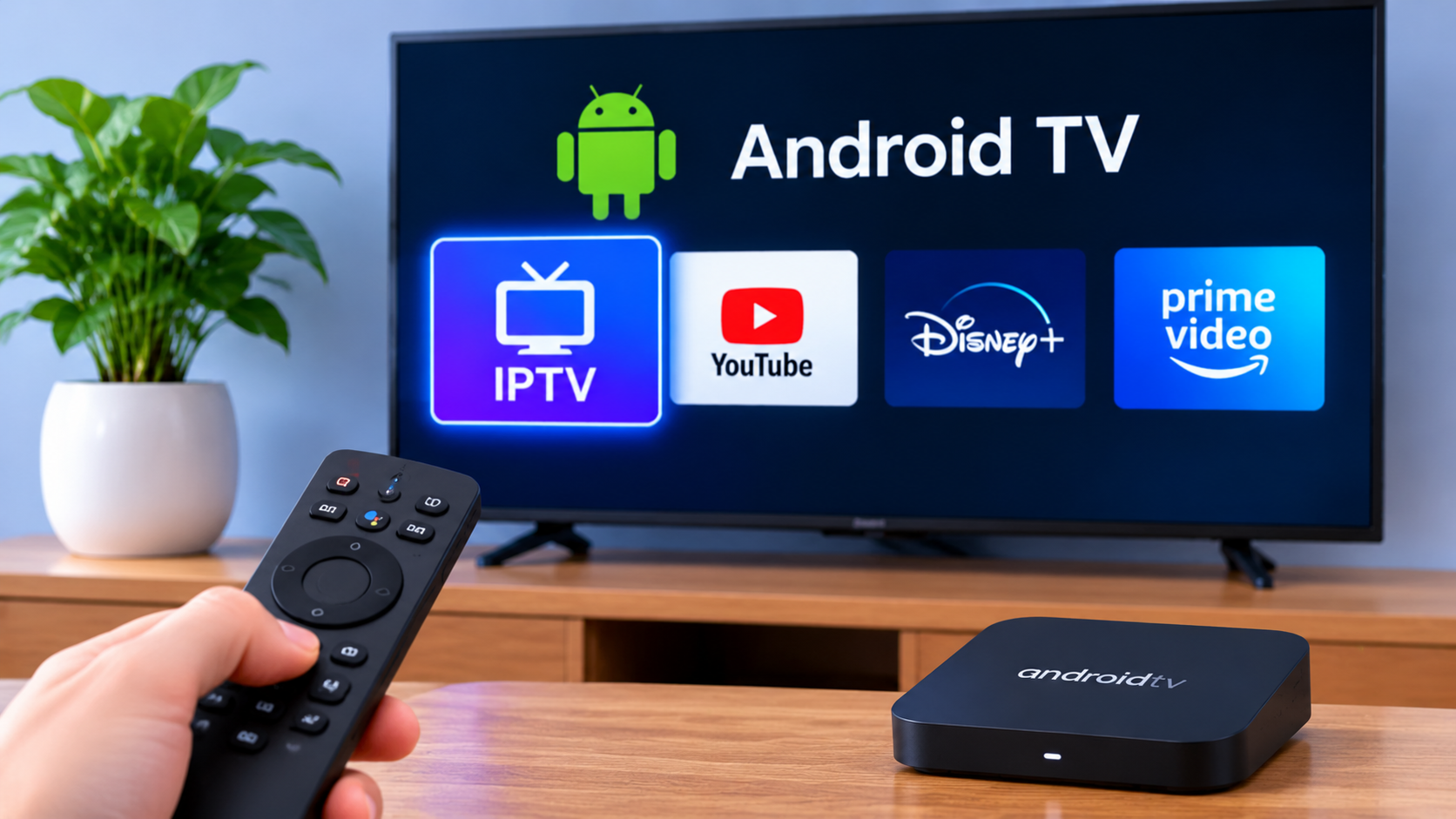
Android TV is one of the more flexible platforms for IPTV because it supports a wide range of streaming applications and works on both televisions and dedicated media devices. For viewers in Sweden, it can be a practical choice when the goal is to watch live TV, sports, movies, and series from one interface.
The experience depends on the IPTV player, the device itself, and the quality of the home network.
Why Android TV Works Well for IPTV
Android TV gives users access to apps through the Google Play Store, which makes it easier to choose between different IPTV players.
Some users prefer a very simple interface, while others want more control over playlists, EPG information, favorites, and channel groups.
That flexibility is one of the main reasons Android TV is commonly used for IPTV.
Check the Device Before Installing Anything
Not every Android TV device performs the same way.
A newer television or streaming box may handle large playlists smoothly, while an older device can feel slower when loading menus or switching between channels.
Before installing an IPTV player, check:
-
Available storage
-
System updates
-
Wi-Fi performance
-
App compatibility
-
Remote-control support
A few minutes spent checking the device can prevent unnecessary problems later.
Choose the Player Based on How You Watch
There is no single IPTV player that is ideal for everyone.
A household that mostly watches live TV may care more about fast channel switching and a clear EPG. Someone who watches movies and series may prefer strong search and category tools.
Useful features can include:
Favorites
Favorites help users keep frequently watched channels in one place.
EPG
An Electronic Program Guide can show what is currently playing and what is coming next.
Search
Search is especially helpful when the playlist contains many channels or regional categories.
Channel Groups
Organized groups make it easier to separate Swedish, Nordic, sports, news, and entertainment channels.
Understand the Login Method
Before choosing an app, check which type of login your IPTV service provides.
Common methods may include:
-
M3U playlist links
-
Xtream-based credentials
-
Portal details
-
Username and password combinations
The IPTV player must support the format supplied by the service.
This is one of the most common setup issues. A good app will not work if it cannot read the login method you have been given.
Use a Stable Network Connection
Android TV devices rely on the home network for streaming.
Wi-Fi works well in many homes, but performance can change depending on distance from the router, walls, and the number of connected devices.
If the television or streaming box is close to the router, Ethernet can provide a more consistent connection.
This can be useful for households where IPTV is used heavily or where Wi-Fi is already busy with phones, laptops, gaming consoles, and other streaming services.
Keep the Interface Simple
One mistake users sometimes make is trying to customize every available option.
A simpler setup is usually easier to maintain.
For example:
-
Keep daily channels in favorites
-
Use categories for occasional browsing
-
Use search for less familiar channels
-
Enable EPG if it is available
-
Hide unused groups if the player supports it
This keeps the interface cleaner without removing useful features.
Compare IPTV Services Separately From the Player
The IPTV app and the IPTV service are usually two different parts of the setup.
A good player can improve navigation, but it does not determine which channels are available or how a subscription is structured.
When comparing IPTV options in Sweden, users should look at device support, content categories, subscription terms, and setup requirements separately.
Viewers researching IPTV subscriptions and compatible Android TV options can include Bästa IPTV as part of their comparison process.
Keep Android TV Updated
System updates can improve compatibility, security, and overall performance.
The IPTV player should also be kept current when updates are available.
If an app suddenly becomes slow or starts behaving differently, restarting the device is a useful first step before changing settings.
Watch for Storage Problems
Android TV devices do not always have large amounts of storage.
If the device is full of unused apps, updates, and cached files, performance can become slower.
Removing applications that are no longer used may help keep the system more responsive.
This is especially relevant on lower-cost streaming boxes with limited internal storage.
Test Several Channels After Setup
Once the IPTV player is configured, do not test only one channel.
Try:
-
A local channel
-
A sports stream
-
A movie channel
-
An international channel
-
A channel with EPG information
This gives a better idea of how the setup performs across different types of content.
If one channel has a problem while the others work normally, the issue may be isolated rather than related to the entire device or network.
Android TV or Smart TV App?
Some users already have a Smart TV with an IPTV player installed.
In that case, a separate Android TV device may not be necessary.
Android TV can still be useful when:
-
The television has limited app support
-
The built-in interface is slow
-
A preferred IPTV player is not available on the TV
-
The user wants more flexibility
The right choice depends on the existing television and how much control the viewer wants over the setup.
Final Thoughts
Android TV can be a practical platform for IPTV because it gives users access to multiple players, flexible navigation, and a familiar remote-controlled interface.
The most important steps are choosing a compatible player, confirming the login method, keeping the network stable, and avoiding unnecessary complexity.
A clean setup with favorites, search, categories, and EPG support can make IPTV easier to use on a daily basis, especially for viewers who want access to a mix of Swedish, Nordic, and international content.

 Հայերեն
 English
 French
 Русский
 Greek